Resume guide · Data analyst
Writing a data analyst resume
Data analyst resumes are often a list of tools. The ones that stand out show the question, the analysis and the decision it led to — with the tools as evidence.
Free to use · No card · Your resume isn’t used for ads
Why it matters
Data analyst roles attract many applicants with the same tool list. What separates resumes is evidence of judgement: choosing the right question, cleaning messy data, and explaining a result so a non-technical team acts on it. Those are also the details a hiring manager asks about in the interview.
Skills these job descriptions often ask for
Examples, not a checklist — include the ones that are true for you.
- SQL and a scripting language such as Python or R
- Spreadsheets and BI tools for dashboards and reporting
- Data cleaning, validation and documentation
- Statistics: hypothesis testing, regression, forecasting
- Explaining findings to non-technical teams
Bullet patterns
Fill the [brackets] with your own details.
- Automated [report] with [tool], saving [time] each [week / month]
- Analysed [dataset] to find [insight]; [team] used it to [decision]
- Built [dashboard] tracking [metrics] for [audience]
What reviewers look for
- The question behind each piece of work, and who used the answer
- Data quality work — cleaning, validation, documentation — described plainly
- Automation that saved someone time, with the time if you measured it
- Communication: a finding you explained to a non-technical audience
Common mistakes
- A long skills list with nothing in the bullets that shows those skills in use
- Course projects that repeat well-known datasets without saying what you found
- Percentages without a baseline (“improved efficiency by 30%” — of what?)
Template
Technical groups skills by type and keeps dates easy to scan; Classic works for any industry.
Who it’s for
- Junior analysts and graduates with project or internship work
- Analysts moving from reporting to analysis roles
- People switching into data from operations, finance or research
Templates that fit
All 12 templates →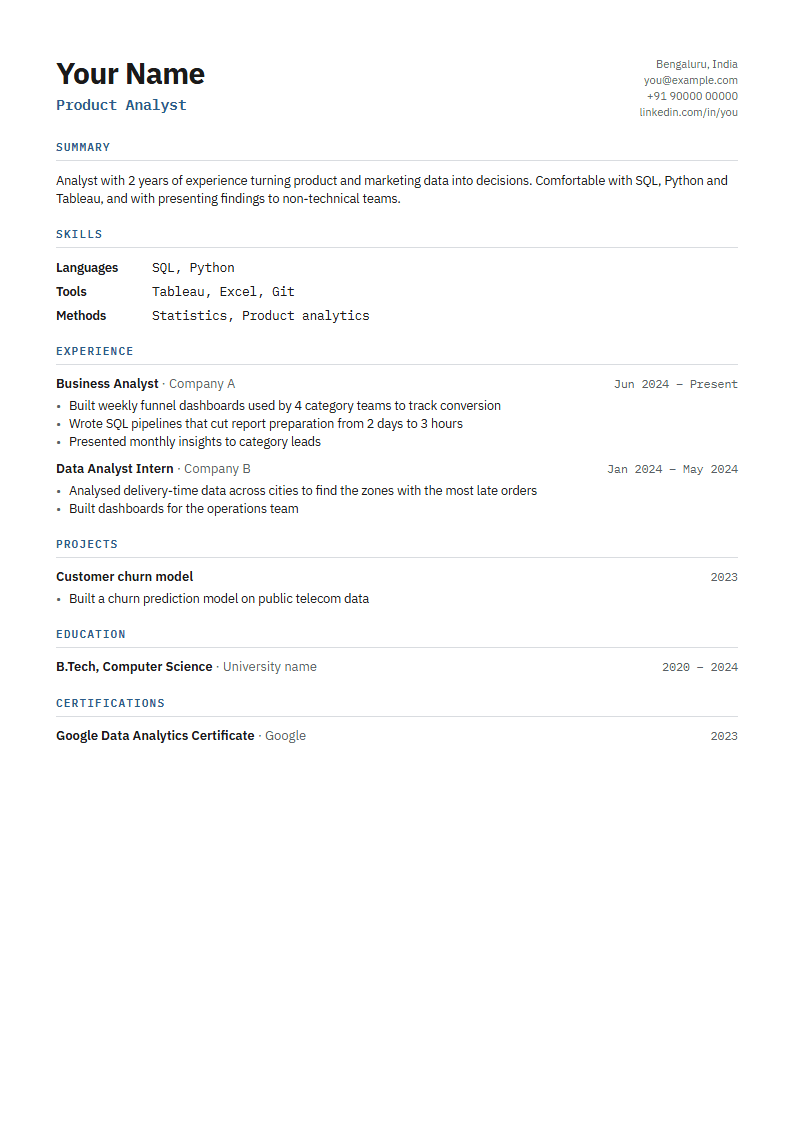
Technical
Engineering and data
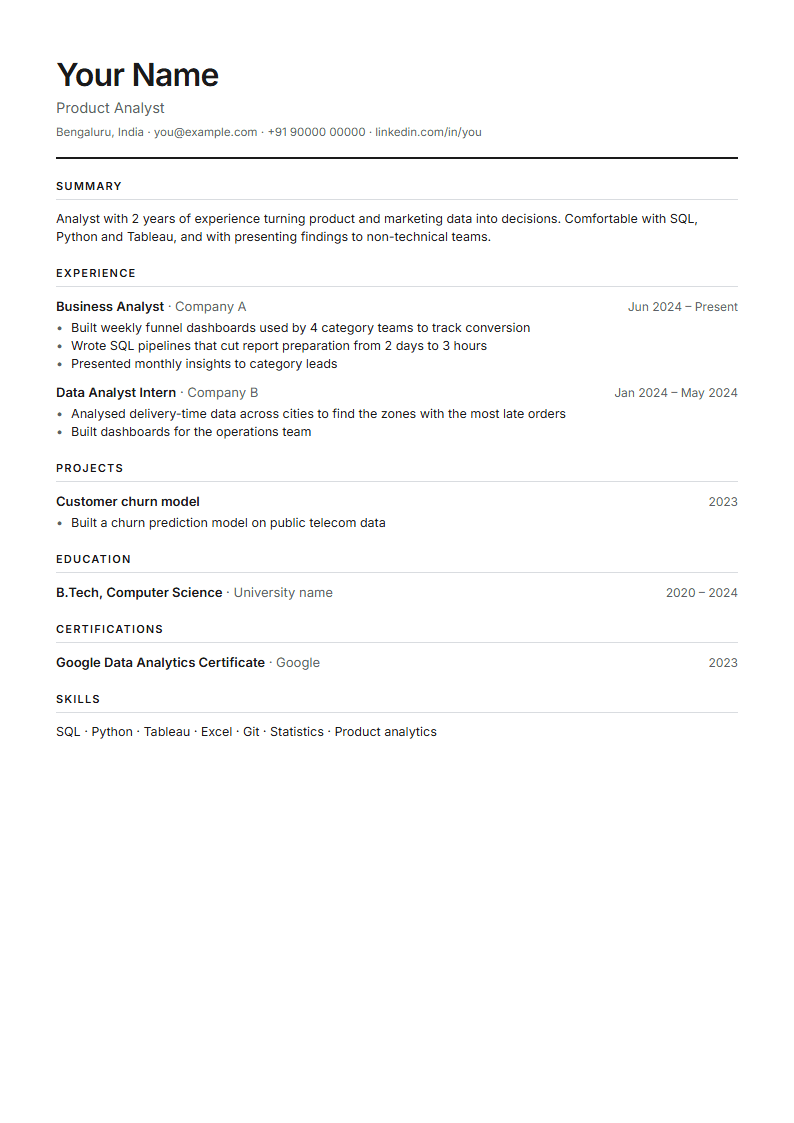
Classic
Safe for any role
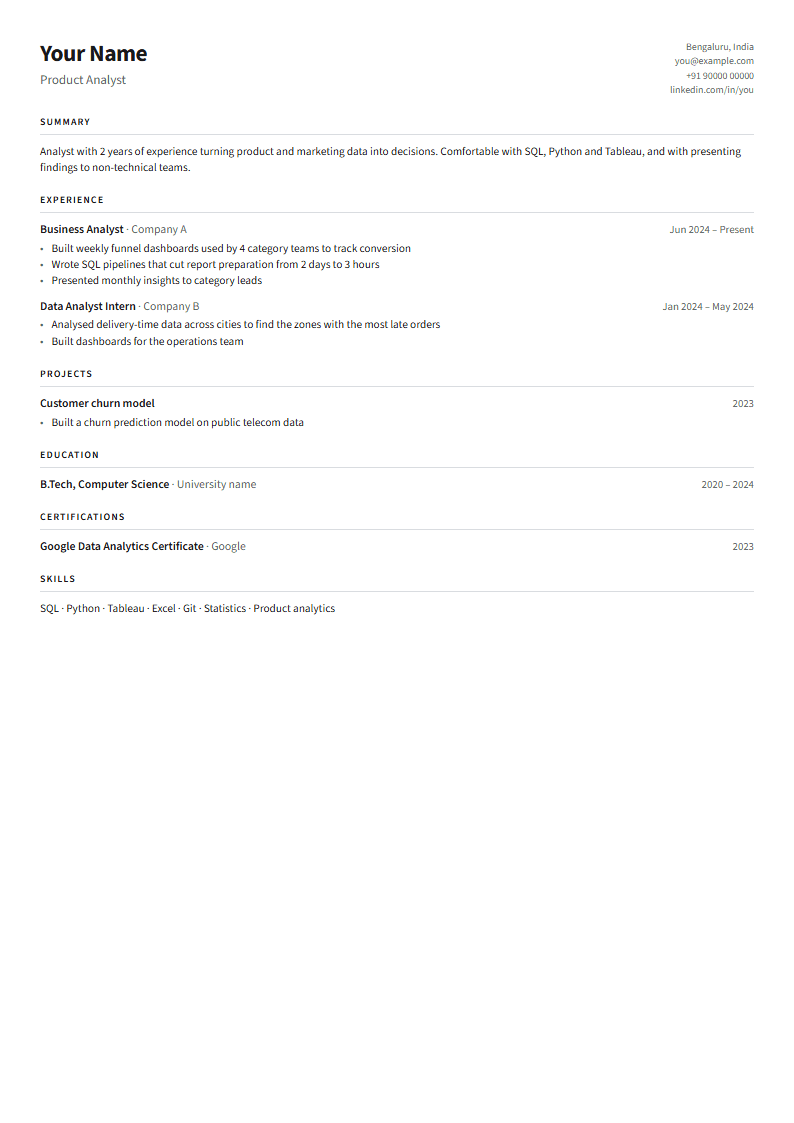
Compact
Lots of experience on one page
Why Ergent
- AI that sticks to your factsRewrites and letters work from your resume. Claims it can’t find there are flagged, and missing details become [prompts] for you — not invented numbers.
- Scores that explain themselvesEvery score comes with the reasons, the parsed text and ranked fixes. No percentiles or “better than 87% of applicants”.
- Specific to each jobPaste the job description and the check, the tailoring, the letter and the interview questions are all written for that job.
- Interview practice from your own resumeQuestions come from the job and your experience, and feedback points to what you could have mentioned from your resume.
- One workspace, start to finishResume versions, job descriptions, letters, applications and interview prep stay connected, so you don’t paste the same things five times.
Questions
- Should I list Excel?
- If the job mentions it, yes — many analyst roles still rely on it. Put it with your other tools, and show an advanced use in a bullet if you have one.
- Should I include projects if I have work experience?
- Include a project when it shows a skill the job asks for that your work doesn’t. Otherwise, let your experience lead.
- Will this guarantee my resume passes every ATS?
- No tool can promise that — companies use different systems and set them up differently. Ergent checks the things most parsers rely on (readable text, standard headings, contact details, dates, the job’s keywords) and shows you exactly what it read, so you can fix what’s in your control.
Build my resume
Free, in your browser. Know someone job hunting? Send them this page.
How your data is used and deletedWhat AI can and can’t promiseRefundsContact